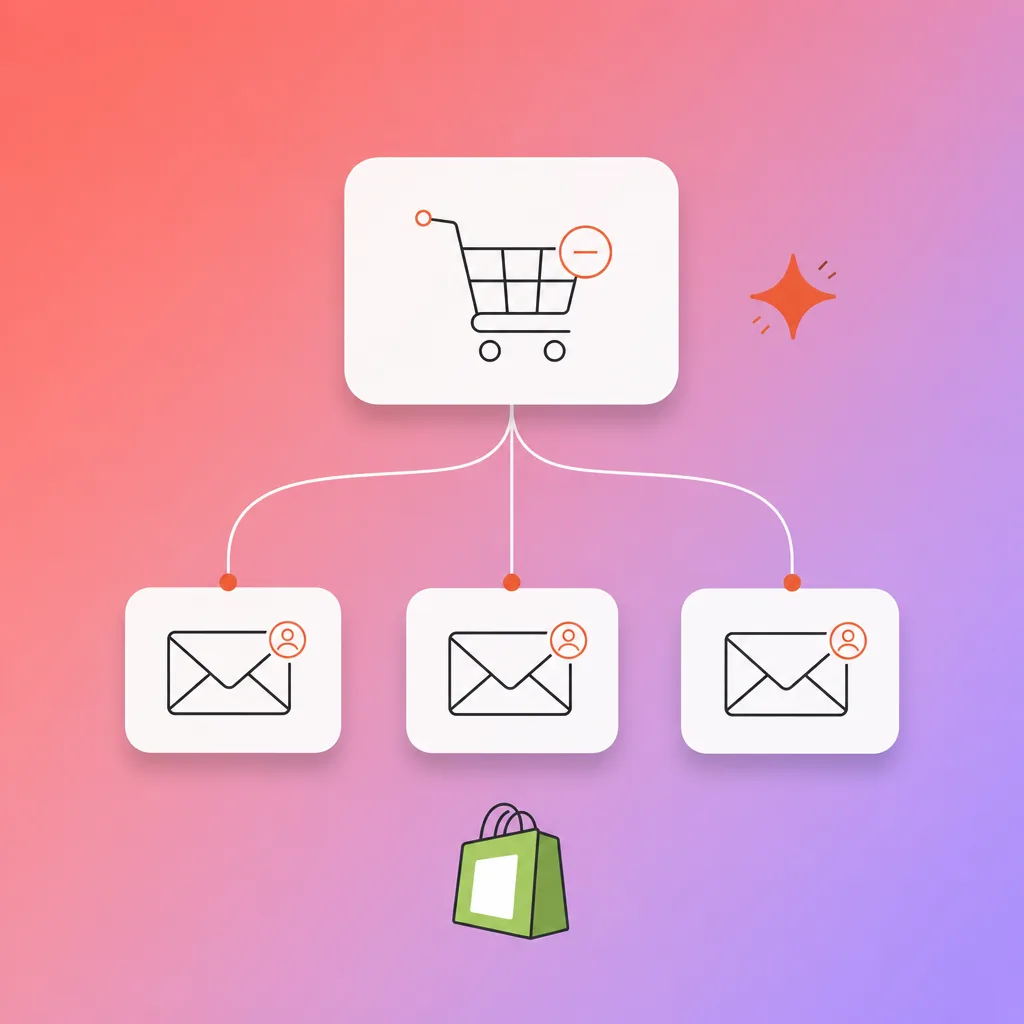
Seven in ten online carts are never paid for. The Baymard Institute puts the average documented cart abandonment rate at 70.22 per cent, averaged across 50 studies. Some of those shoppers were never going to buy. The rest left for reasons a good follow-up email can answer, which is why an abandoned checkout flow is usually the first automation we recommend to a Shopify store.
Most stores send one generic cart recovery email: "You left something in your cart." It names nothing the shopper chose and gives them no reason to come back today.
In this guide we connect Shopify and Klaviyo to the OpenAI API, so each recovery email is written from the shopper's actual cart. We checked every step below against Klaviyo's, n8n's and OpenAI's help pages in October 2026.
Why most cart recovery emails fail (and how much revenue you are losing)
Most cart recovery emails fail for the same reason most cold emails fail: they are generic. A message that says "complete your purchase" does not address why the customer left. Maybe they were comparing prices. Maybe they got distracted. Maybe the shipping cost was a surprise.
Baymard's survey data shows which of those reasons dominate. Among US shoppers who abandoned during checkout, 40 per cent left because extra costs such as shipping, tax and fees were too high. Separately, 42 per cent of US online shoppers say they have abandoned a cart because they were "just browsing" or "not ready to buy." An email cannot undo a surprise shipping fee, though it can remind the second group what they picked once they are ready.
Klaviyo published new abandoned cart benchmarks on 2 October 2026, drawn from more than 110,000 Klaviyo customers. Abandoned cart flows earn the highest average revenue per recipient of any flow type it measures.
| Metric | Average | Top 10% |
|---|---|---|
| Email revenue per recipient | USD 6.77 | USD 13.70 |
| Email click rate | 6% | 11.3% |
| SMS revenue per recipient | USD 4.48 | USD 8.69 |
| SMS click rate | 10.3% | 18.5% |
The top 10 per cent of senders earn about twice the average per email. Klaviyo does not say what separates them, and we could not find a public test that isolates AI-written copy from timing, offer and list quality. Treat the table as the yardstick for your own flow, and measure against it before and after you switch.
What AI does well here is cheap specificity. Every email can name the exact product, the colour or size the shopper picked, and a reason to finish the order that fits what is in the cart, without anyone writing hundreds of variants by hand.
What you need before starting
You need a Shopify store with products and active traffic, and a Klaviyo account connected to that store. Klaviyo only lets you add webhook actions to a flow once two-step authentication is turned on for the account, so switch that on first.
You also need an OpenAI API account with a payment method added. API usage is billed separately from any ChatGPT plan, so a ChatGPT Plus subscription does not cover it. Finally, you need something to carry data between Klaviyo and OpenAI. We use n8n in this guide; Zapier works too.
Step 1: Set up the Shopify-Klaviyo sync for real-time cart tracking
Connect and enable cart tracking
Klaviyo has a native Shopify integration. Go to your Klaviyo account, open Integrations, and select Shopify. Enter your Shopify store URL and authorise the connection. Once connected, Klaviyo syncs orders, checkouts and product data from the store.
The event you care about most is Started Checkout. Klaviyo has no event called "Abandoned Cart". Klaviyo's abandoned cart guide uses Started Checkout as the most common trigger, and Shopify sends it once the shopper has typed their email into the checkout. The event carries the product names, images and variants, plus the checkout value. If you also want to catch shoppers who never reach checkout, Klaviyo supports a second flow triggered by Added to Cart, which needs onsite tracking switched on.
Verify the integration by starting a checkout on your own store with your own email address, then leaving. The Started Checkout event should appear in the activity feed of your profile in Klaviyo.
Step 2: Build the AI personalisation prompt for ChatGPT
Create the prompt that turns cart data into email copy
This is where the personalisation happens. You need a prompt that takes the cart data as input and returns a subject line and an email body in a fixed format.
Here is a working prompt pattern:
You are an ecommerce email copywriter for a Shopify store. Write a friendly recovery email for a customer who started checkout and did not finish. Use only the data provided below. Do not invent product names, prices, discounts or delivery dates.

Customer first name: [first name]
Cart items: [product names, variants, quantities, prices]
Cart total: [amount]

Return JSON only, in this shape:
{"subject": "...", "body": "..."}

The subject line must be under 50 characters. The body must be three short paragraphs. The tone should be helpful and calm. If the cart has one item, mention it by name. If it has several, mention the most expensive one.
The prompt only asks for data the Started Checkout event actually carries. A shopper who left a pair of trail runners in size 9 gets "Your trail runners in size 9 are still in your cart" in place of "you left items in your cart."
Test the prompt with a few sample carts in the OpenAI playground before automating it. Adjust the tone to match your brand voice. Some stores want playful, some want professional. The prompt is where you tune all of that.
Step 3: Connect ChatGPT to Klaviyo for automated email generation
Wire the data pipeline
Klaviyo webhooks only send data out. Klaviyo's help page says information cannot flow the other way through them, so the generated copy has to come back through Klaviyo's API and land on the shopper's profile.
The pipeline has five parts:
- Klaviyo webhook action: Make it the first step of your abandoned checkout flow. Point it at the production URL of an n8n Webhook node, and in the JSON body include
{{ person.email }},{{ person.first_name }}and the checkout's items and value, using the event variables Klaviyo lists in the webhook editor. - n8n Webhook node: Receives the POST. In n8n, the fields arrive under
$json.body, so the email is$json.body.email. - OpenAI node: Sends the prompt from Step 2 with the cart data filled in from
$json.body. - Code node: Parses the JSON reply into
subjectandai_bodyfields and returns[{ json: { subject, ai_body } }]. - HTTP Request node: n8n has no built-in Klaviyo node, so n8n points Klaviyo users to the HTTP Request node. Send a POST to Klaviyo's Create or Update Profile endpoint with the headers
Authorization: Klaviyo-API-Keyfollowed by your private key, andrevision: 2026-07-15.
The request body writes the two generated fields onto the profile as custom properties:
POST https://a.klaviyo.com/api/profile-import

{{ JSON.stringify({
  data: {
    type: "profile",
    attributes: {
      email: $('Webhook').item.json.body.email,
      properties: {
        ai_subject_line: $json.subject,
        ai_email_body: $json.ai_body
      }
    }
  }
}) }}
Your Klaviyo email templates then read those properties with Klaviyo's template syntax: {{ person|lookup:'ai_subject_line' }} and {{ person|lookup:'ai_email_body' }}. This keeps the generation and the sending separate, and you can read each generated email on the contact profile before it goes out.
If you prefer a simpler setup, Zapier connects the same pieces with fewer settings to manage. The tradeoff is less control over the prompt structure and timing.
Step 4: Set up the multi-step recovery sequence in Klaviyo
Build the flow that sends at the right time
A single email recovers some sales. A sequence of three well-timed messages recovers more, and Klaviyo's benchmark report describes a common sequence of three.
In the flow triggered by Started Checkout, put the webhook action from Step 3 first, then a time delay, then three emails:
- Email 1 (2 to 4 hours after checkout started): A plain reminder that uses the AI subject line and body. No discount. Klaviyo recommends this window for the first message, and the delay also gives n8n time to write the copy onto the profile before Klaviyo sends.
- Email 2 (about 24 hours later): Answer the most common objection. Restate the delivery cost and returns policy in plain numbers, since extra costs are the top reason Baymard records for leaving checkout.
- Email 3 (48 hours after checkout started): The last message. Offer a small incentive only if your margins allow it, or suggest a cheaper alternative from the same category. If the prompt writes this email, give it the exact offer as data so it cannot make one up.
Add the flow filter "Placed Order zero times since starting this flow." Klaviyo's guide recommends it so that anyone who buys after starting checkout skips every remaining message. Klaviyo's prebuilt abandoned cart flow includes it; a flow you build from scratch does not.
Step 5: Track performance and iterate with AI
Measure what works and feed it back into the prompt
Klaviyo's analytics show open rates, click rates, and recovered revenue for each flow. Track these metrics weekly. Compare your AI-written sequence against your previous template-based sequence, and against the benchmark table above.
If certain product categories have higher recovery rates, adjust the prompt to be more confident with those categories. If the click rate drops on email 3, the offer tone might be too aggressive. Feed these observations back into the prompt as instructions.
Over time, the prompt becomes a written record of your brand voice, product range and what your customers respond to. Each change you make from real results carries into every email that follows.
What changes when it is done
Before this setup, your cart recovery was either non-existent or based on static templates that every customer received. After this setup:
- Every abandoned checkout email names the products that shopper chose
- The recovery sequence runs around the clock without anyone scheduling it
- Shoppers who buy part-way through the sequence stop receiving it
- The prompt improves as you feed performance data back into it
- Your team's weekly work drops to reading a sample of generated emails and adjusting the prompt
We wrote about a similar approach using Claude and n8n for cart recovery if you prefer that tool stack. The email nurture workflow we built with Claude and HubSpot also follows the same AI-personalisation principles, just applied to lifecycle emails instead of recovery.
Frequently asked questions
How much revenue can AI cart recovery actually recover?
Klaviyo's October 2026 benchmarks, drawn from more than 110,000 customers, put average abandoned cart email revenue at USD 6.77 per recipient, and USD 13.70 for the top 10 per cent of senders. We could not find a public study that measures how much of that gap AI-written copy closes, so measure your own flow against those two numbers before and after you switch.
Do I need a developer to set this up?
Usually not. The Shopify-Klaviyo integration is native and needs no code. The n8n part needs one webhook, an OpenAI call, a short Code node and one API request to Klaviyo, so you need someone comfortable copying an API key and editing a JSON body. Klaviyo also requires two-step authentication on the account before you can add the webhook.
Is AI-generated email content better than templates?
AI-generated content can name the exact items, variants and total in each shopper's cart, which a fixed template cannot do without a lot of manual variants. A template says "you left something behind." The AI version says "your trail runners in size 9 are still in your cart." Whether that earns more for your store is something to measure against your current flow.
Can I start with AI-generated emails on a free plan?
Partly. Klaviyo's free plan covers up to 250 active profiles and 500 email sends a month. The OpenAI API is paid per use and is billed separately from any ChatGPT plan, free or paid. Shopify's Basic plan costs AUD 42 a month billed yearly, or AUD 56 month to month.
What happens if the AI generates wrong information?
The prompt should tell the model to use only the cart data provided and never invent products, prices or discounts. Read the generated emails for your own test checkouts before you set the flow live, and keep reading a sample each week after that.